 Download
Create a child Apple Account
Use this page if your child doesn't have an Apple Account and you need to create one from your own iPhone, so they can be in your Family Sharing group.
You create your child's Apple Account on your own iPhone, from your Family Sharing group. You'll need their name and their real birthday. It takes a few minutes.
-
On your iPhone
Open Settings and tap Family. If you don't see Family, tap your name first. -
On your iPhone
Tap the Add Member button (top right), then Create Child Account, then Continue.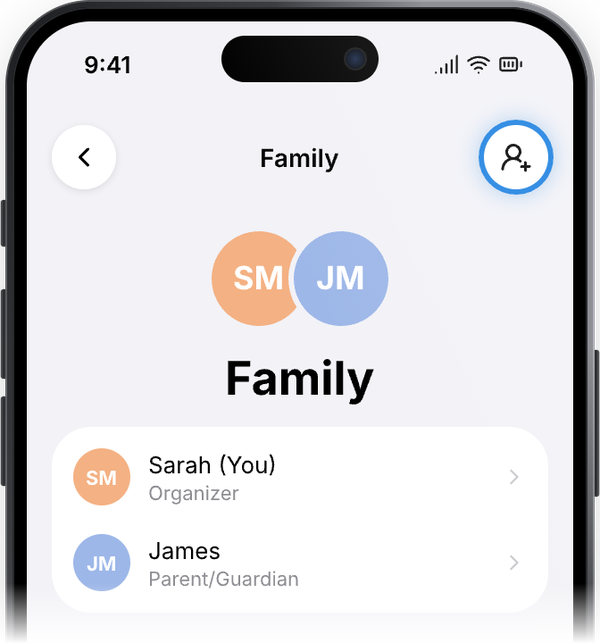
-
On your iPhone
Enter your child's name and their correct birthday, then follow the steps on screen. You may be asked to confirm you're an adult.
The birthday needs to be right. An account with a birthday that makes your child 18 or older is an adult account, and Screen Time can't manage it. If that has happened, see my child's Apple Account shows as an adult.
Next
Sign your child's iPhone or iPad in to the new account: sign your child's device in to their Apple Account.
 The Safer Screentime app checks the screentime setup on your phone (parent or child) and guides you through the steps to fix any issues.